What if you could get back 40% of your work week simply by letting your calendar manage itself?
For professionals drowning in meetings and notifications, this isn’t a fantasy. It’s the reality offered by modern scheduling platforms. Busy calendars steal our most valuable asset: focused work time.
This comprehensive product review examines a leading platform in this space. We’ll explore how it intelligently automates your schedule. The goal is to protect your deep work and coordinate meetings efficiently.
Over half a million users and companies like Shopify trust this system. It integrates with Google Calendar and Outlook. The platform adds smart layers without replacing your familiar tools.
Our analysis will help you decide if its features fit your workflow. We provide honest assessments of strengths and limitations. You’ll get the data needed for an informed choice.
Key Takeaways
- This platform can save users up to 40% of their work week through automation.
- It protects valuable focus time by intelligently managing your calendar.
- The tool integrates seamlessly with Google Calendar and Microsoft Outlook.
- Over 500,000 users and thousands of companies, including notable brands, have adopted it.
- It defends millions of focus hours through smart scheduling algorithms.
- The system layers intelligence on top of existing calendar tools without replacing them.
- This review provides a detailed analysis to help you make an implementation decision.
Introduction: Taking Back Control of Your Calendar
The constant battle for control over your own time is draining your energy and focus. Between back-to-back meetings and shifting priorities, your day can feel chaotic. This calendar overwhelm leaves little room for meaningful work.
Modern professionals face this challenge daily. Communication overload and packed schedules create stress. Your most valuable asset—focused time—gets lost in the shuffle.
That’s where intelligent scheduling assistants enter the picture. They promise to defend your schedule and block focus time. The goal is to arrange your work intelligently for less stress.
These platforms address a fundamental problem. There’s often a disconnect between task systems and actual calendar execution. Important work remains unscheduled while meetings fill available slots.
This chaos has real psychological impact. It reduces your sense of control and predictability. Automated scheduling can restore both by handling the details for you.
The core promise is simple: let the tool manage logistics so you can focus on meaningful work. You gain protected time for deep concentration. Your schedule becomes a productivity asset rather than a source of anxiety.
Think of this technology as a smart layer over your existing calendar. It works within workflows you already know. The platform doesn’t replace your familiar tools—it enhances them.
Now is the critical time to consider this approach. Remote work and distributed teams increase scheduling complexity. Intelligent management helps coordinate across time zones and preferences.
This introduction frames the problem in relatable terms. You’ll likely recognize your own challenges in this description. The following sections will show how solutions transform chaotic calendars into optimized systems.
By understanding these scheduling pain points, you’re ready to explore specific features. The next sections provide detailed analysis of how intelligent platforms operate. You’ll learn whether this approach fits your workflow needs.
What is Reclaim AI?
Rather than adding another app to learn, this technology works invisibly within the tools you already use daily. It functions as a smart scheduling layer that enhances your existing calendar without replacing it. The platform integrates directly with Google Calendar and Microsoft Outlook.
Software veterans founded the company to address today’s productivity challenges. Their mission focuses on helping individuals and teams protect their time. The goal is to optimize schedules without constant manual effort.
Adoption has grown significantly, with over half a million users now relying on the system. Tens of thousands of companies from startups to large enterprises use it. Notable brands like Shopify and Calendly trust this solution for their routine scheduling needs.
Users report saving up to 40 percent of their work week through automation. The core philosophy is simple: let the system handle calendar details automatically. This allows people to focus on meaningful work instead of scheduling logistics.
Instead of manually blocking time for recurring activities, users create flexible “habits.” These are time blocks with assigned priorities for things like deep work or one-on-one meetings. The software then arranges them intelligently around existing commitments.
The intelligent engine analyzes your availability, deadlines, and personal preferences. It makes adjustments without requiring constant manual intervention. This creates an optimized schedule that adapts to your real work environment.
This approach differs fundamentally from traditional calendar applications. Most calendar tools simply record events you manually enter. This platform adds proactive intelligence to how your time gets allocated.
Flexibility and adaptation are central to its time management methodology. Rigid scheduling often breaks down in dynamic work settings. The system prioritizes rescheduling around changes rather than forcing fixed blocks.
In the productivity tool market, this solution occupies a specialized position. It’s not another general task manager or note-taking app. Instead, it focuses specifically on calendar intelligence and automated time protection.
The value proposition centers on reducing cognitive load around scheduling decisions. By automating routine calendar management, it frees mental energy for substantive work. This creates a more predictable and controlled workday structure.
How Reclaim AI’s Intelligent Scheduling Engine Works
This isn’t about a static calendar. It’s about a dynamic system that adapts to your real workweek in real time. The core of the platform is an adaptive engine.
This engine constantly reviews your calendar and rearranges events. Its goal is to maximize productivity based on multiple factors. You set the rules, and it handles the daily execution.

Priority-Based Scheduling: P1 to P4
Every item in your schedule gets a priority tag. This includes tasks, habits, and even meetings. The scale runs from P1 (critical) to P4 (low importance).
The system uses this hierarchy to make tough calls. A P1 item will automatically overbook a P3 or P4 block. This ensures your most critical work always finds protected time.
This priority-based scheduling is fundamental. It turns your calendar into a true reflection of your goals. Less important events yield to what truly moves the needle.
Flexible vs. Rigid Time Blocking
Traditional calendar blocking is rigid. Once you block two hours, that time is marked “busy” forever. This platform uses a smarter, flexible approach.
Time blocks you create can appear as “free” on your calendar. This happens when your schedule is light. Colleagues see available slots and can propose meetings.
As your week fills up, the system automatically converts these blocks to “busy.” It establishes boundaries when you need focus time. This flexible management balances availability with deep work protection.
Proactive and Reactive Defense Modes
For defending focus time, you choose your strategy. The tool offers two distinct modes: proactive and reactive.
Proactive defense mode schedules your deep work in advance. You set a weekly goal, like 16 hours. The engine then carves out and protects those blocks no matter what.
Reactive defense mode takes a different tack. It only locks in focus time when your calendar becomes crowded. This mode optimizes for maximum scheduling availability first.
The choice depends on your role. Some need guaranteed focus. Others need to prioritize open slots for collaboration. The intelligent scheduling engine supports both.
The system also learns from your behavior. If you always move lunch or prefer afternoon meetings, it notices. Future suggestions align with your proven preferences.
It considers other factors too. Deadlines, meeting importance, and even travel time between events are calculated. The engine makes informed decisions to create a smooth, productive flow for your day.
Key Features and Capabilities Deep Dive
A deep dive into the capabilities reveals how each function addresses common scheduling pain points.
These tools work together to create a seamless system for managing your time. Let’s explore the core features that deliver on the promise of a self-managing calendar.
Habits: Flexible Recurring Time Blocks
Habits are for routine activities you want to protect weekly. This includes lunch, exercise, email review, or planning sessions.
You set a priority level and a target duration for each week. The system then finds the best times for these habits around your existing meetings.
When your calendar is open, habits appear as tentative. As your week fills up, they automatically convert to solid, protected blocks.
If a higher-priority meeting overbooks a habit, it instantly gets rescheduled. This ensures you still make time for your important routines.
Focus Time: AI-Powered Deep Work Protection
This is the flagship feature for defending concentrated work hours. It uses intelligent automation to block time for deep work.
You can operate in two modes. Reactive mode only blocks focus time when your calendar risks becoming too full.
Proactive mode schedules and defends these blocks in advance. You can also tag any calendar event with a #focus hashtag to include it in your weekly tracking.
The platform has defended millions of focus time hours for its users. It’s a core component of modern time management.
Task Management and Project Tool Integration
This feature bridges the gap between your to-do list and your calendar. You can add tasks with deadlines and priority levels.
The system then automatically schedules them during your working hours. It considers urgency and how much time you have available.
Deep integrations with project tools are where the real power lies. It connects with Google Tasks, Asana, ClickUp, Jira, and Todoist.
Tasks and their due dates are pulled in automatically. When you mark a task complete here, it syncs back to the original project tool.
Smart Meetings & Intelligent Team Coordination
Smart meetings end the back-and-forth emails to find a time. The tool analyzes all attendees’ calendars at once.
It considers preferred lengths, buffer times, time zones, and individual availability. Then it suggests the optimal slots that cause the least disruption.
For rotating hosts, round-robin scheduling distributes meetings evenly. If priorities shift, it can automatically reschedule and notify participants.
This can reduce manual coordination work for teams by a significant margin.
Scheduling Links with Priority-Based Booking
These links offer more than basic booking. You can add multiple duration options to a single link.
Attendees choose how much time they need. The standout feature is priority-based booking.
A high-priority link can show your lower-priority time blocks as available slots. This happens even if those blocks are marked busy on your Google Calendar.
It ensures the most important meetings get booked first, optimizing your schedule.
Calendar Sync and Privacy Controls
Calendar sync stops double-booking across different calendars. It also offers strong privacy controls for personal events.
You decide how synced events appear. Show full details, display a “Personal Commitment” placeholder, or just mark the time as “Busy”.
This gives you control over what colleagues see. It keeps your schedule organized and your private time protected.
Additional Productivity Features
The platform includes several other helpful tools. Buffer time is added automatically between meetings to prevent burnout.
You can set No-Meeting Days to protect entire days from requests. Travel timezone management helps frequent travelers.
Analytics dashboards show how you spend your time on meetings, tasks, habits, and focus. There’s even integration for structured focus sessions.
These features combine to offer a comprehensive approach to productivity and calendar management.
User Experience and Interface
From the moment you sign up, the platform guides you through setup with clear, step-by-step instructions. You authorize the tool to access your calendar in just a few minutes. Then you set your working hours and choose your default time zone.
An onboarding tour walks you through creating your first habit. It also helps schedule your initial meeting. Pre-built templates for common routines accelerate this process.
These templates cover lunch breaks, email blocks, or exercise sessions. They help you benefit from the system immediately. The gentle learning curve makes adoption smooth.
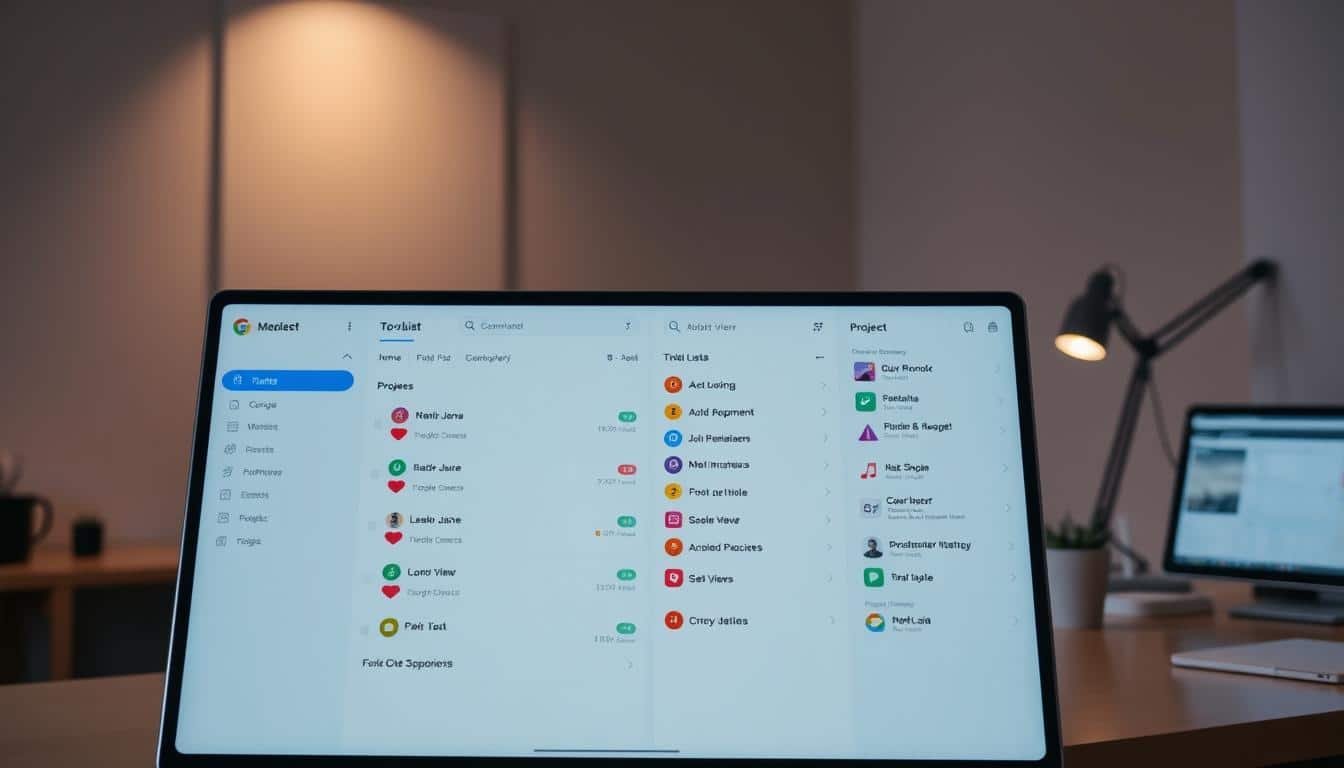
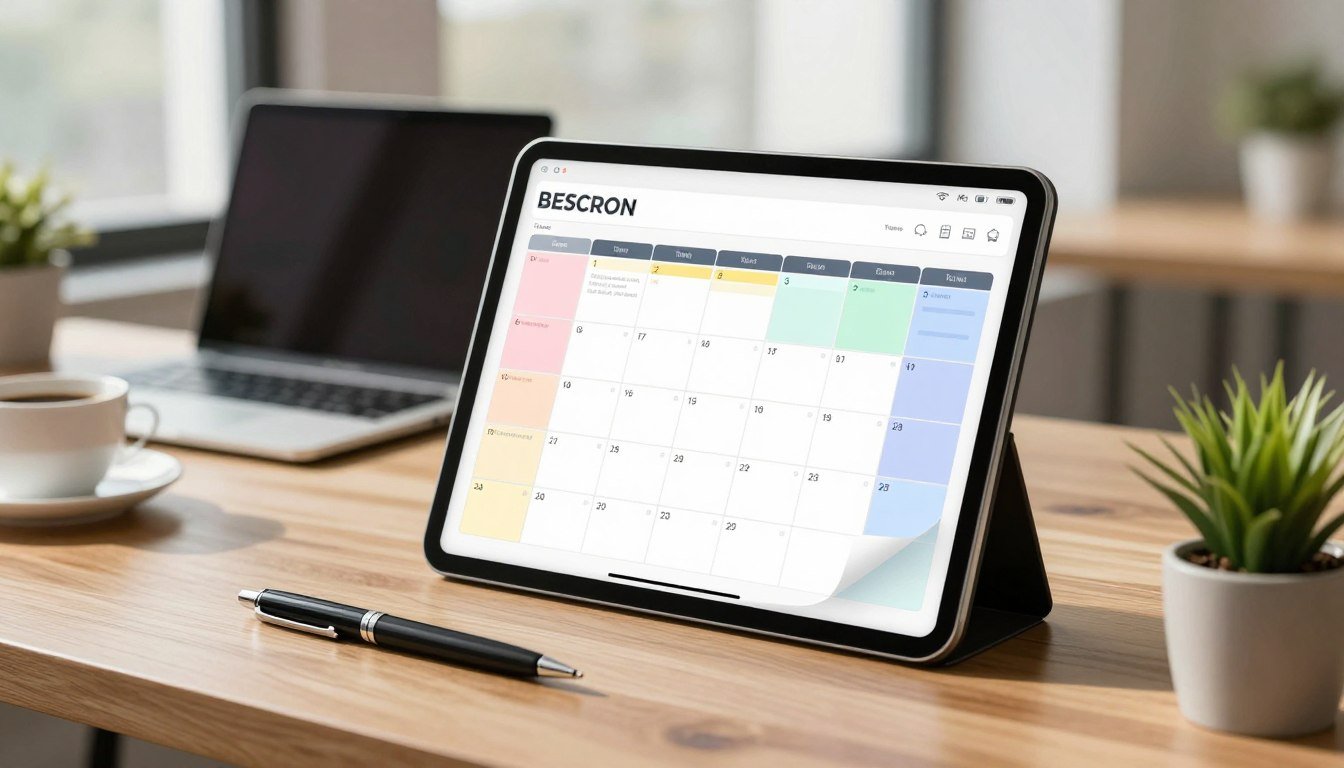
The interface maintains a clean, familiar layout. A left-hand sidebar provides navigation to different views. The central planner resembles your standard calendar application.
Events receive color coding by type for quick recognition. Meetings, habits, tasks, and focus blocks each have distinct hues. This visual system offers immediate schedule comprehension.
Click any event to view and edit its details. You can adjust durations or change priorities with intuitive controls. The platform layers intelligence over your existing tools without replacing them.
A global search function finds specific items quickly. Locate tasks, habits, or meetings without manual calendar scanning. This saves valuable time during busy workdays.
Extensive customization options put you in control. Configure default working hours that match your actual schedule. Define preferred windows for meetings to maintain balance.
Determine how far in advance tasks should be scheduled. Choose whether habits appear as free or busy on your calendar. These settings provide granular control over your time management.
Buffer time specifications prevent back-to-back meeting burnout. Set different buffers for various event types. Adjust notification preferences to match your workflow.
Multi-calendar synchronization keeps everything organized. Select which calendars to sync and how events appear. Keep personal commitments private while maintaining professional availability.
In-app guidance helps without being intrusive. Tooltips explain features when you need them. Short tutorials introduce advanced functionality gradually.
Most users achieve proficiency within a few days. The system works with your existing calendar and project management tools. You’ll quickly learn to set priorities and interpret scheduling decisions.
Support resources are comprehensive and responsive. An extensive knowledge base answers common questions. Video tutorials demonstrate features visually.
Email and live chat provide direct assistance when needed. Business and enterprise customers gain dedicated success managers. These experts offer personalized guidance for faster onboarding.
The overall experience prioritizes simplicity and effectiveness. You spend less time managing your schedule manually. This frees up mental energy for meaningful work.
Idea
1.1.0>
“”:
1. 1-
Reclaim AI Pros and Cons: An Honest Assessment
Before committing to any scheduling solution, it’s crucial to weigh its advantages against potential drawbacks. This balanced review provides a clear picture of what to expect.
Understanding both sides helps you make an informed choice. You’ll see where this platform excels and where it might not fit your needs.
The primary benefit is significant time savings. Most users recover five to ten hours weekly through intelligent automation.
This happens by defending your schedule from constant meeting requests. The system blocks focus periods before your calendar fills up.
Affordable pricing makes this accessible to individuals and small teams. Entry costs are lower than many competing productivity suites.
Flexibility is another strong advantage. You can choose between proactive and reactive defense modes for your work.
Proactive mode schedules deep work blocks in advance. Reactive mode only protects time when your schedule gets crowded.
This accommodates different working styles and role requirements. Some need guaranteed focus, while others prioritize availability.

Privacy controls deserve special mention. The platform hides personal event details from colleagues while maintaining calendar sync.
You decide how synced events appear to others. Options include full details, “Personal Commitment” placeholders, or simple “Busy” markers.
Dual calendar support ensures wide compatibility. It works seamlessly with both Google Calendar and Microsoft Outlook.
Smart Meetings drastically reduce coordination effort. This feature can cut manual scheduling work by up to eighty percent.
It analyzes all attendees’ calendars simultaneously. The tool considers preferred lengths, buffer times, and time zones.
For distributed teams, travel and timezone settings are invaluable. They simplify international scheduling for frequent travelers.
Business and Enterprise plans offer custom branding for scheduling links. This maintains a professional appearance for external meetings.
The platform integrates with major project management tools. Connections include Asana, ClickUp, Jira, and Todoist.
Now let’s examine the limitations. The most notable is the lack of native mobile applications.
Instead, it relies on a progressive web app. This approach has some notification constraints compared to native apps.
Integration options are more limited than platforms like Zapier. Advanced automation requires webhooks or API knowledge.
Some premium features remain restricted to higher pricing tiers. Custom branding is one example available only on Business and Enterprise plans.
Budget-conscious users might find certain functions inaccessible. This tiered approach is common but worth noting.
Early Microsoft Outlook users reported occasional notification quirks. The development team is actively addressing these issues through updates.
Task management capabilities are intentionally basic. The system complements rather than replaces dedicated project tools.
It’s designed to schedule tasks, not manage complex projects. You’ll likely need additional software for detailed project tracking.
This honest assessment helps you evaluate the platform’s fit. Consider which advantages align with your priorities.
Also think about which limitations would impact your workflow most. Many users find workarounds for the minor drawbacks.
The overall value depends on your specific scheduling needs and working style.
Reclaim AI Pricing and Plans: From Free to Enterprise
A freemium approach allows users to test core functionality before making a financial commitment. The platform offers four distinct subscription tiers that scale with your needs.
Annual billing provides the best value with discounted rates. Monthly options offer flexibility for those preferring shorter commitments. Consider your team size and required features when selecting a plan.
Lite Plan (Free Forever)
This free tier serves as an effective testing ground for individuals. Solo users can evaluate the platform’s core scheduling capabilities without cost.
You get synchronization for up to two calendars. The plan includes creation of three habits and access to routine templates. Basic analytics help you understand your initial time allocation.
This risk-free entry point is perfect for personal productivity experimentation. It demonstrates how automated scheduling can transform your workweek.
Starter Plan
Priced at $8 per user monthly with annual billing, this tier targets freelancers and small teams. It supports organizations with up to ten users for coordinated scheduling.
Features include unlimited calendar connections and habit creation. You receive three scheduling links for external meeting coordination. Advanced analytics provide deeper insights into time management.
Integration with popular project tools like Asana and Todoist unlocks workflow connections. Role management offers basic oversight for growing teams.
Business Plan
The $12 per user monthly rate (annual billing) serves growing companies. This tier accommodates up to 100 users across departments.
Unlimited scheduling links eliminate restrictions on external coordination. Custom branding for meeting pages maintains professional presentation. Dedicated account management provides personalized support.
Richer team analytics help managers optimize departmental productivity. Enhanced group meeting features simplify internal collaboration for busy organizations.
Enterprise Plan
At $18 per user monthly with annual commitment, this tier offers unlimited scaling. Large organizations gain complete feature access across all departments.
Advanced security includes single sign-on and SCIM user provisioning. Domain capture ensures consistent platform adoption. Dedicated success managers guide implementation.
Premium support guarantees rapid resolution for technical issues. This plan suits companies needing enterprise-grade compliance and control.
Additional considerations include competitor switch discounts and academic pricing. Educational institutions often qualify for special rates. Affiliate partnerships provide commission opportunities for promoters.
Calculate potential return on investment by comparing time savings to subscription costs. Most users recover five to ten weekly hours through intelligent scheduling. This productivity gain typically justifies the investment for teams and individuals.
Integration and Compatibility with Your Tech Stack
Your existing tech stack represents years of established workflows. Any new addition must complement rather than disrupt these systems.
This scheduling platform enhances your current software instead of replacing it. The approach focuses on seamless connections with tools you already use daily.
Native calendar connections provide immediate value. Setup with Google Calendar and Microsoft Outlook takes just minutes. You can sync multiple calendars from different accounts simultaneously.
The system maintains automatic synchronization across all connected calendars. For Apple users, iCloud support requires a simple workaround through iCal feed imports.
Project management tool integrations bridge critical workflow gaps. Connections include Asana, ClickUp, Linear, Jira, Todoist, and Google Tasks.
These integrations automatically import tasks with due dates and priority levels. Changes in your source project tools update your calendar instantly.
Bidirectional synchronization ensures consistency across platforms. Scheduling adjustments made here reflect back to original systems. This creates a unified view of commitments and deadlines.
Communication platform integration keeps teams informed. The Slack connection delivers scheduling notifications and updates directly.
Automated meeting link generation includes Google Meet or Zoom details. Participants can join virtual meetings with one click for streamlined collaboration.
Advanced integration capabilities unlock custom workflows. Higher subscription tiers offer webhook and API access for specialized connections.
These tools enable links to CRM systems, HR platforms, or custom internal software. You can automate task or habit creation based on events in external systems.
Web-based architecture ensures broad compatibility. The platform runs on any modern browser across Windows, macOS, and Linux. There are no operating system restrictions for team members.
Mobile access utilizes Progressive Web App technology. You can install this PWA on smartphones without visiting app stores.
The app-like experience works on both iOS and Android devices. It provides convenient scheduling access while away from your desk.
PWA limitations include potentially constrained notifications. Offline functionality may also be more limited compared to native applications.
For most users, the lightweight PWA delivers sufficient mobile capabilities. It balances accessibility with development efficiency.
Implementation guidance varies by organizational toolsets. Small teams might start with calendar and basic project tool connections.
Larger organizations can leverage API access for enterprise system integration. This connects scheduling intelligence to broader business workflows.
Evaluate how these integration options align with your current stack. Consider which connections would deliver the most immediate productivity benefits.
The platform’s compatibility strengths make adoption straightforward. You maintain familiar tools while adding intelligent scheduling layers.
Conclusion: Is Reclaim AI Worth It for You?
The ultimate test for any productivity tool is whether it delivers tangible results in your daily workflow. This platform specializes in intelligent calendar management rather than trying to do everything.
It excels at defending your schedule and automating meeting coordination. The system creates a better balance between collaborative time and focused work. Many users recover significant hours each week through this automation.
The accessible pricing makes it viable for individuals and growing teams. Start with the free plan to evaluate the core features. Then scale up based on your team size and specific needs.
Remember this isn’t a complete project management solution. You’ll want to pair it with dedicated task tools for full workflow coverage. The value comes from how well it integrates with your existing systems.
If your main challenge is calendar overwhelm and meeting overload, this tool offers a strong solution. It helps create structure while maintaining the flexibility modern work requires.
FAQ
How does this tool automatically find time for my work?
The system connects directly to your Google Calendar. It uses your set priorities to find and block open slots for your most important tasks and habits. It works around your existing events to build a smart schedule that protects your time.
Can I use it to coordinate meetings with my team?
A> Yes. The smart meetings feature helps teams find the best times to meet without the back-and-forth emails. It respects everyone’s scheduled focus blocks and personal habits, making group coordination intelligent and efficient.
What’s the difference between a habit and a task in the app?
Habits are flexible, recurring time blocks for routines like weekly planning or daily breaks. Tasks are one-time or project-related work items. The platform schedules both automatically but treats habits as recurring anchors in your week.
Does it work if my calendar is already very full?
Absolutely. The intelligent scheduling engine is designed for busy calendars. It uses priority levels and defense modes to reshuffle lower-priority blocks, creating necessary buffer time and space for deep work, even on packed days.
Is my calendar data private and secure?
Security is a top priority. The tool uses read/write access to your Google or Outlook calendar to function but employs strong encryption. You maintain full control over what gets scheduled and can adjust privacy settings at any time.
What happens if an urgent meeting needs to be scheduled?
The system includes a reactive defense mode for this. When a new, urgent event is added, it can automatically move flexible time blocks—like tasks marked as lower priority or certain habits—to accommodate the change without you lifting a finger.
Can I create different types of scheduling links for clients?
Yes. You can generate smart scheduling links that show your true availability, including buffer periods. You can set different link types for different purposes, like client calls or internal reviews, giving bookers a seamless experience.
Is there a free plan available to try it out?
Yes, there is a free forever Lite plan. It includes core features like habit scheduling, task integration, and basic defensive calendar protection, which is great for individuals to start managing their time more effectively.