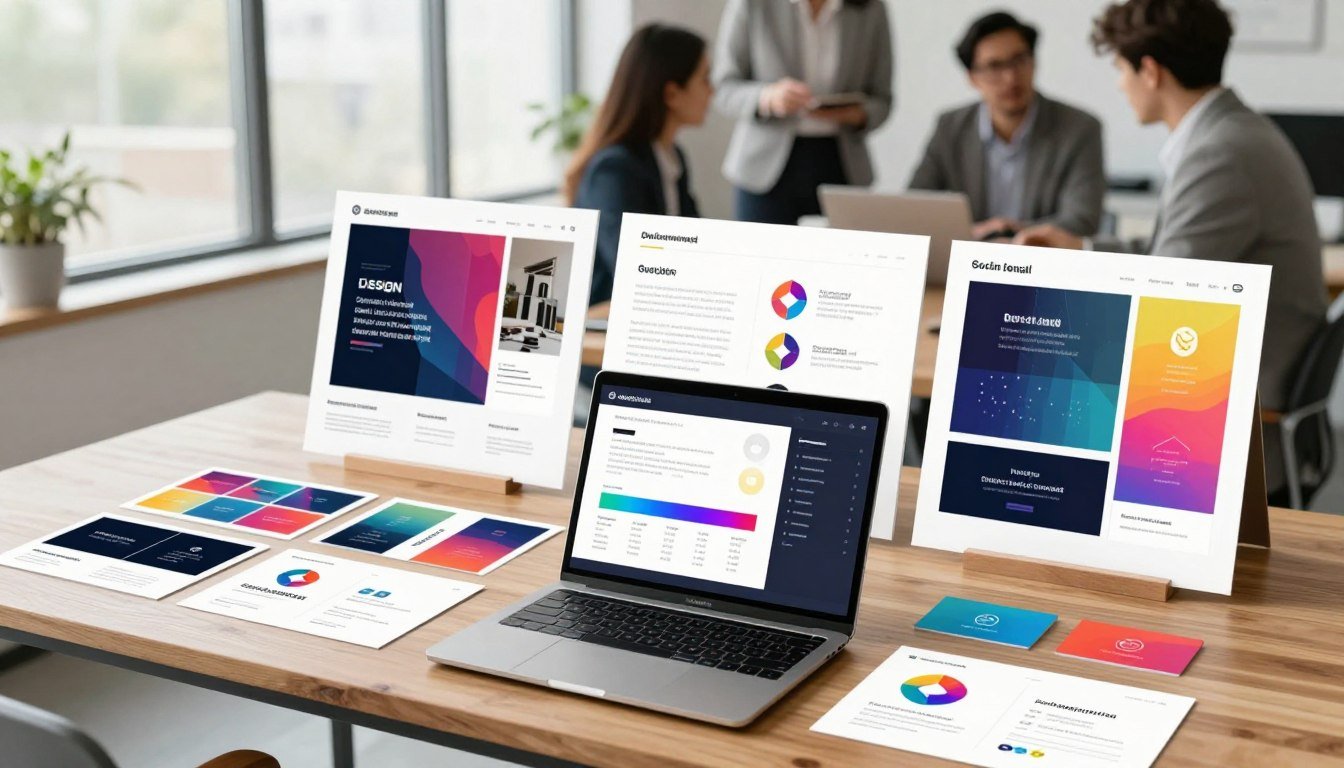
What if you could create stunning, professional visuals for your business without needing to be a designer or learning complex software?
This is the core promise of today’s leading online design platforms like Envato Placeit. They put powerful creative tools directly into your hands.
These services provide instant access to thousands of pre-made templates and assets. This saves you enormous time and effort. You can build a cohesive brand identity quickly.
One standout platform is built specifically for creators, merchants, and marketers. Its huge library covers everything from logos and mockups to social media videos.
This detailed review will help you decide if this tool matches your creative and marketing needs. We will examine its features, user experience, and pricing plans.
You’ll see how it can streamline your workflow. The goal is to help you get professional results faster.
Key Takeaways
- Modern online design platforms make professional visual creation accessible to everyone.
- A massive library of templates saves significant time and resources.
- No prior design skills are required to produce high-quality marketing assets.
- Envato Placeit tools are ideal for e-commerce, social media content, and overall brand building.
- Integration with other business tools helps streamline creative workflows.
- Subscription plans provide access to thousands of design elements and colors.
- Immediate, professional results help businesses stand out visually.
Who is Envato Placeit For?
From online merchants to social media influencers, this tool addresses the creative needs of modern digital professionals. It consolidates branding requirements into one convenient platform.
Envato Placeit is built specifically for creators, merchants, and marketers. It provides a streamlined source for branded content across various channels.
E-commerce sellers form a core audience. They need realistic product mockups to showcase items in their online stores.
Print-on-demand businesses benefit greatly. They can visualize designs on physical products without a design team.
Content creators are another key group. YouTubers, Twitch streamers, and bloggers require consistent visuals.
They need engaging intros, thumbnails, and social media posts. Envato Placeit delivers these assets quickly.
Small business owners and startups use it to build brand identity. They can create professional logos, business cards, and marketing materials.
This approach saves significant budget. It eliminates the need for expensive design services early on.
Marketing agencies and professionals find value here too. They produce campaign assets, ads, and promotional videos for clients.
Speed is crucial for their projects. The tool enables rapid creation of client-ready content.
Freelancers and solopreneurs across industries also use it. App developers can showcase UI mockup presentations.
Authors might visualize book covers. The options support many professional needs.
A major advantage is its accessibility. Individuals with zero prior experience can achieve great results.
The drag-and-drop, template-based system simplifies the entire process. It brings professional visuals within everyone’s reach.
Teams and individuals who prioritize efficiency will appreciate this platform. It offers speed over granular control.
You get access to thousands of templates, colors, and elements. This streamlines workflow for busy professionals.
It’s important to note the contrast with professional graphic creators. They might need advanced software for complex tasks.
However, this service acts as a powerful productivity booster. It handles specific design tasks with remarkable speed.
Ultimately, it serves anyone needing to present their work or product professionally. It brings quality design to your digital life.
From your website to your social media feeds, Envato Placeit helps you maintain a cohesive brand image.
Core Features: What Can You Create with Placeit?
You gain access to a suite of focused design tools. Each one solves a common visual challenge for businesses and creators.
Envato Placeit turns ideas into professional assets quickly. You don’t need complex software or deep design experience.
Realistic Product Mockups for E-Commerce
Envato Placeit excels at creating believable product presentations. It uses advanced photo-blending technology.
You select a high-quality stock photo, like a t-shirt or mug. Then you upload your own design file.
The system inserts your artwork perfectly. It adds realistic shadows, fabric creases, and proper lighting.
You can adjust the design’s placement and size. Changing the base color of the product is also simple.
This is ideal for online stores and print-on-demand businesses. It showcases items in a real-world context.
Supported products include apparel, drinkware, tech gadgets, and books. You get professional mockups in minutes.
Professional Logo Design in Minutes
Building a strong brand identity starts with a great logo. The library holds thousands of ready-to-go logo templates.
You can search by industry or style. Each template is fully customizable with easy editing tools.
Change the text, swap fonts, and alter colors for any element. Reposition icons to get the look you want.
When you’re done, download high-resolution PNG files instantly. Your new logo is ready for your website, cards, and merchandise.
This process delivers professional results fast. It removes the high cost and wait time of custom design work.
Engaging Video and Social Media Content
Modern marketing runs on video and social posts. This platform provides templates optimized for every major channel.
Find layouts for Instagram Stories, Reels, and TikTok clips. Create YouTube intros and animated logo reveals.
A simple timeline editor lets you arrange clips and text. Royalty-free music tracks and stock photos are included.
You can produce HD (1080p) videos quickly. The social media graphic templates ensure your posts look polished.
This saves hours of production time. It helps creators and marketers maintain a consistent, engaging presence.
A Massive Library of Design Templates
The scale of available assets is a major advantage. You get access to over 55,000 professionally designed templates.
It’s not just about mockups and logos. The library covers business cards, flyers, banners, and Twitch overlays.
You’ll find podcast covers, email headers, and presentation slides too. New content is added regularly to keep things fresh.
This vast collection means you always have options. Whatever your project needs, a high-quality starting point exists.
It streamlines the entire creative workflow. You can produce all your branded marketing materials from one central source.
Evaluating the User Experience: How Easy is Placeit to Use?
The true test of any creative tool lies in how quickly you can start producing results. Envato Placeit delivers immediate access through a completely web-based editor.
You don’t need to install any software or download bulky programs. Everything happens right in your browser with simple drag-and-drop actions.
Your first visit might feel a bit overwhelming. The homepage displays thousands of template thumbnails across various categories.
This visual density is actually a trade-off for having extensive options. Once you move past the initial browse, the actual workflow becomes remarkably streamlined.
The editing interface maintains a consistent layout across all template types. Whether you’re working on logos, mockups, or videos, the control panels look familiar.
This drastically reduces the learning curve. Master one project type and you understand the basics for all others.
Here’s how the editing process works. Select any template from the massive library to begin.
Left-side panels handle text and font modifications. Change wording, adjust sizing, or swap typefaces with a few clicks.
Right-side panels control colors and visual elements. You can alter backgrounds, swap icons, or adjust product hues.
The central preview area lets you click and drag items directly. Reposition your logo on a mockup or move text blocks in videos intuitively.
A major convenience is the ability to explore without commitment. You can search, customize templates, and preview results without creating an account.
This lowers the barrier to trial significantly. Test the tools thoroughly before deciding on any subscription plan.
For users on the move, there’s a capable mobile app available. Make quick edits or brainstorm ideas directly from your smartphone.
Finding the right starting point is easy with robust search. Use keywords like “T-shirt” or “Logo” to filter the catalog.
The system shows exact result counts for each filter parameter. This helps you gauge the available options for your specific needs.
Overall, the user experience prioritizes speed and simplicity. While the initial interface appears busy, the editing process proves intuitive.
You can upload, tweak, and download professional assets in minutes. The platform lives up to its promise of being easy to use for everyone.
This efficiency makes it ideal for last-minute projects or rapid content creation. You get quality results without the typical design software learning period.
Placeit Pricing: Plans, Value, and What’s Free
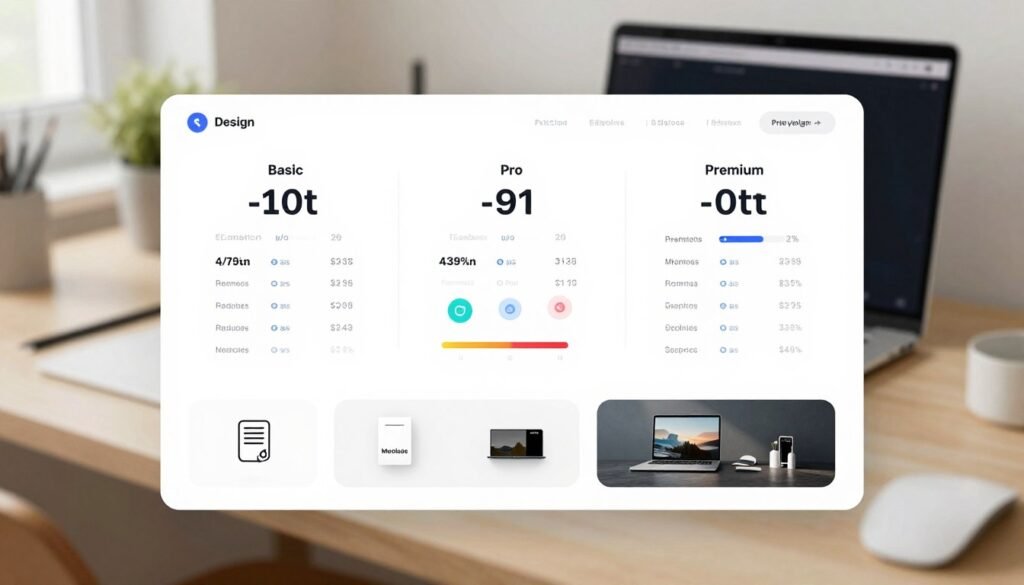
Before committing to any design service, evaluating its value against your budget is a smart move. This platform offers three distinct approaches to access its creative assets.
Each plan serves different user needs and project frequencies. Understanding these options helps you make the best financial decision.
The Free Account: Testing the Waters
The free tier provides a robust way to explore the platform without payment. You can browse thousands of templates and use the full editing tools.
This gives you a complete hands-on experience before any purchase. You can test different designs and see potential results.
Key restrictions apply to all free downloads. Every image will have a large watermark across it.
Video exports are limited to very low resolution with branding. You cannot use any assets commercially without upgrading.
This plan works perfectly as a “try before you buy” option. It lets you verify the service fits your creative workflow.
The Unlimited Subscription: Best for Regular Users
For anyone creating content regularly, the unlimited subscription delivers maximum value. You get two payment plans to choose from.
The monthly option costs $14.95 per month. The annual subscription is $89.69 for the full year.
Choosing yearly breaks down to just $7.47 per month. This represents significant savings for committed users.
This subscription provides unlimited access to the entire library. Download any mockup, logo, or video template without limits.
All downloads come in high-resolution, watermark-free formats. A commercial license is included for business and client work.
You can produce unlimited marketing materials, social media posts, and product presentations. The annual plan clearly offers the best value for regular creators.
Pay-Per-Item: For Occasional Needs
Some users only need one or two specific designs per year. The à la carte model lets you purchase single assets.
Typical pricing ranges between $8 and $10 per item. You pay once for a watermark-free file download.
This approach has an important limitation to consider. If you need to revise your mockup or logo, you must pay again.
For most users, even one month of unlimited subscription offers better value. It provides multiple designs for less than two single purchases.
The pay-per-item pricing works only for extremely occasional projects. Compare your expected usage against the plans carefully.
Placeit’s Pros and Cons: A Balanced Review
The best way to evaluate any creative platform is through a straightforward list of its major benefits and notable drawbacks.
First, the advantages are significant. The tool is renowned for its unparalleled ease of use. Anyone can achieve professional results quickly.
You get access to a massive library with over 55,000 high-quality design templates. New content is added regularly.
The subscription model is simple and offers excellent value, especially the annual plan. It provides unlimited downloads.
Its realistic mockup technology is a standout feature. It saves immense time and cost on product photoshoots.
The platform also includes diverse stock imagery. This supports inclusive branding for modern businesses.
However, some limitations exist. The interface can feel crowded initially due to the volume of options.
Video exports are capped at 1080p HD. This is fine for social media but not for 4K projects.
It is purely a digital design and mockup tool. You cannot order physical products here.
The free plan’s watermarks are very prominent. This limits its use for final designs.
So, who wins? For a small business owner, the pros heavily outweigh the cons. You get quick logos, marketing assets, and stunning product visuals.
For a video professional needing 4K, the resolution limit is a notable drawback. It’s not an all-purpose software suite.
Its core strength is clear. This service excels at specific tasks with exceptional speed. Think mockups, quick brand elements, and social videos.
It brings professional design into your workflow without complexity. For many creators, that is the ultimate pro.
Placeit vs. Canva: Which Tool is Right for You?
Digital creators frequently face the decision between specialized speed and versatile control. Both platforms serve the modern design landscape but approach creative tasks differently.
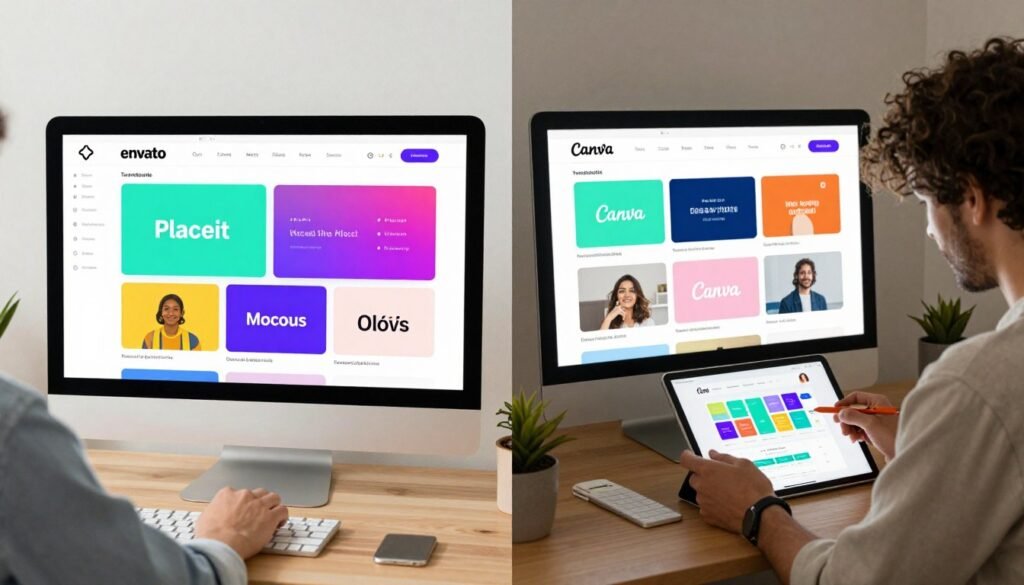
Their core purposes reveal distinct philosophies. One service specializes in photorealistic product mockups and template-based branding assets.
It delivers extreme speed for specific tasks. The other operates as a broader graphic design platform.
It focuses on custom layouts, presentations, and social graphics. This fundamental difference guides their entire user experience.
Key strengths highlight where each tool excels. The mockup-focused service wins in realism and speed for tasks like putting a design on apparel.
Its technology creates believable product presentations with one tap. The broader software wins in collaborative features and stock photo library size.
It offers more flexibility for original compositions. Your choice depends on which capabilities matter most for your projects.
The user experience contrast is significant. One provides a guided, template-driven workflow perfect for non-designers.
You select a template and customize it quickly. The other presents a blank canvas with extensive tools.
This approach has a steeper learning curve initially. However, it delivers more power for experienced users crafting custom marketing materials.
Identifying the ideal user for each service clarifies the decision. The mockup specialist serves e-commerce sellers and print-on-demand entrepreneurs perfectly.
Anyone whose primary needs involve stunning product presentation should consider it. Fast logo creation and social video production are additional strengths.
The broader design platform suits social media managers and small marketing teams. Educators and those creating varied materials from scratch benefit greatly.
It handles website graphics, presentations, and documents effectively. Team collaboration features support shared projects seamlessly.
Many professionals discover these tools work well together. They use one for general design tasks and the other for specialized mockup work.
This complementary approach maximizes efficiency. You gain access to both specialized speed and creative control.
Your business needs should dictate the final choice. Evaluate whether photorealistic mockups or flexible design options drive your content creation.
Both services deliver professional visuals without complex software training. They transform how creators produce marketing assets for their digital life.
Conclusion: Is Envato Placeit Worth It?
1.
FAQ
Can I use Placeit for free?
Yes, you can start with a free account. This lets you create and download designs with a watermark. It’s a great way to test the platform’s tools and library before committing to a paid plan for your business.
What is the best subscription for a small business owner?
The Unlimited plan is typically the best value for active users. For one monthly fee, you get full access to all templates, videos, and logo options. You can download unlimited, watermark-free assets for your branding and marketing projects.
How does it compare to Canva for social media content?
This platform specializes in high-quality, realistic mockups and automated designs. Canva offers broader, general design flexibility. If you need quick, professional visuals for product shots or branded video intros, this tool often delivers faster, more polished results.
Are the downloaded files customizable?
Absolutely. Every template you download is fully customizable. You can change text, colors, fonts, and upload your own logos or media. This ensures the final design perfectly matches your brand’s visual identity.
Do I own the commercial rights to the logos I create?
Yes, when you download a logo file from a paid plan, you own the full commercial rights. You can trademark it and use it on your website, products, and all marketing materials without any restrictions.
Is there a pay-per-download option if I don’t need a subscription?
Yes, a pay-per-item option is available. This is ideal for freelancers or entrepreneurs who only need a few specific assets, like a one-time logo design or a handful of product mockups, without an ongoing subscription.